FreeStack News ·
Lightroom mobile fixes closed eyes in one tap, free app gets two tries
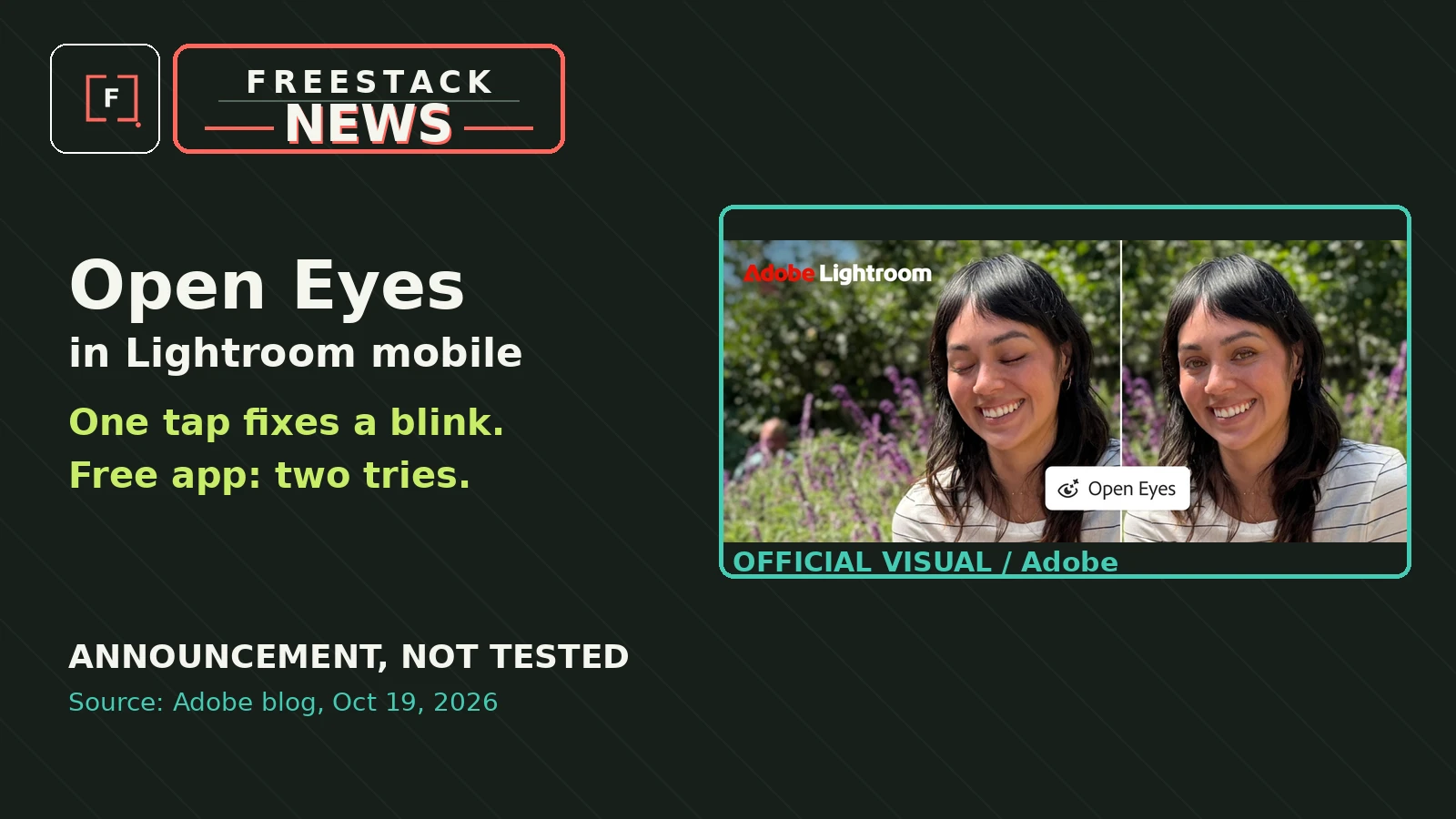
A new Open Eyes Quick Action in Lightroom on mobile detects a blink and generates a fix in one tap, using your other photos of that person to match their real eyes. Free app users get two tries before a subscribe prompt.
What changed
Adobe launched Open Eyes in Lightroom on mobile (iOS, iPadOS and Android) on October 19. When the app detects closed eyes in a photo, it surfaces an Open Eyes Quick Action: one tap generates a natural-looking fix that matches the lighting and pose. If your library holds other photos of the same person, it uses them as reference so the generated eyes match their actual color, shape and size. Adobe shipped Generative Expand in the same update, which extends a photo beyond its frame to fit any aspect ratio.
Why it matters
A blinked group shot used to be unrecoverable. A one-tap repair inside a free mobile app makes this a fix anyone shooting on a phone can actually use, and the library-matching trick is what separates it from generic AI eye swaps.
Reality Check
Free is limited. The free Lightroom mobile app gives you two Open Eyes tries, then pushes a Creative Cloud subscription that includes AI credits (per DPReview). The result is AI-generated eyes, so it is worth a close look that the person still looks like themselves, especially without reference photos in the library. Photoshop can produce a similar fix, but it is not one tap and it is not free.
Official source: View the maker's update ↗. Our short is an explanation, not a hands-on product test unless we explicitly say otherwise.